Let’s be honest. The metaverse and spatial computing aren’t just about consuming digital worlds anymore. The real magic—and the real opportunity—lies in building them. But where do you even start? The hardware and software landscape can feel like a bewildering bazaar.
Well, here’s the deal. Whether you’re crafting an immersive art installation, designing a virtual storefront, or prototyping a new kind of collaborative workspace, your tools define your possibilities. This isn’t just about picking a headset. It’s about assembling a complete creator’s kit that bridges the physical and digital divide.
The Foundation: Your Spatial Computing Hardware
Think of this as your primary canvas and brush. You can’t paint without them. The right headset is, frankly, your gateway. But the choice isn’t one-size-fits-all; it depends entirely on what you’re building and for whom.
Headsets: More Than Just a Viewer
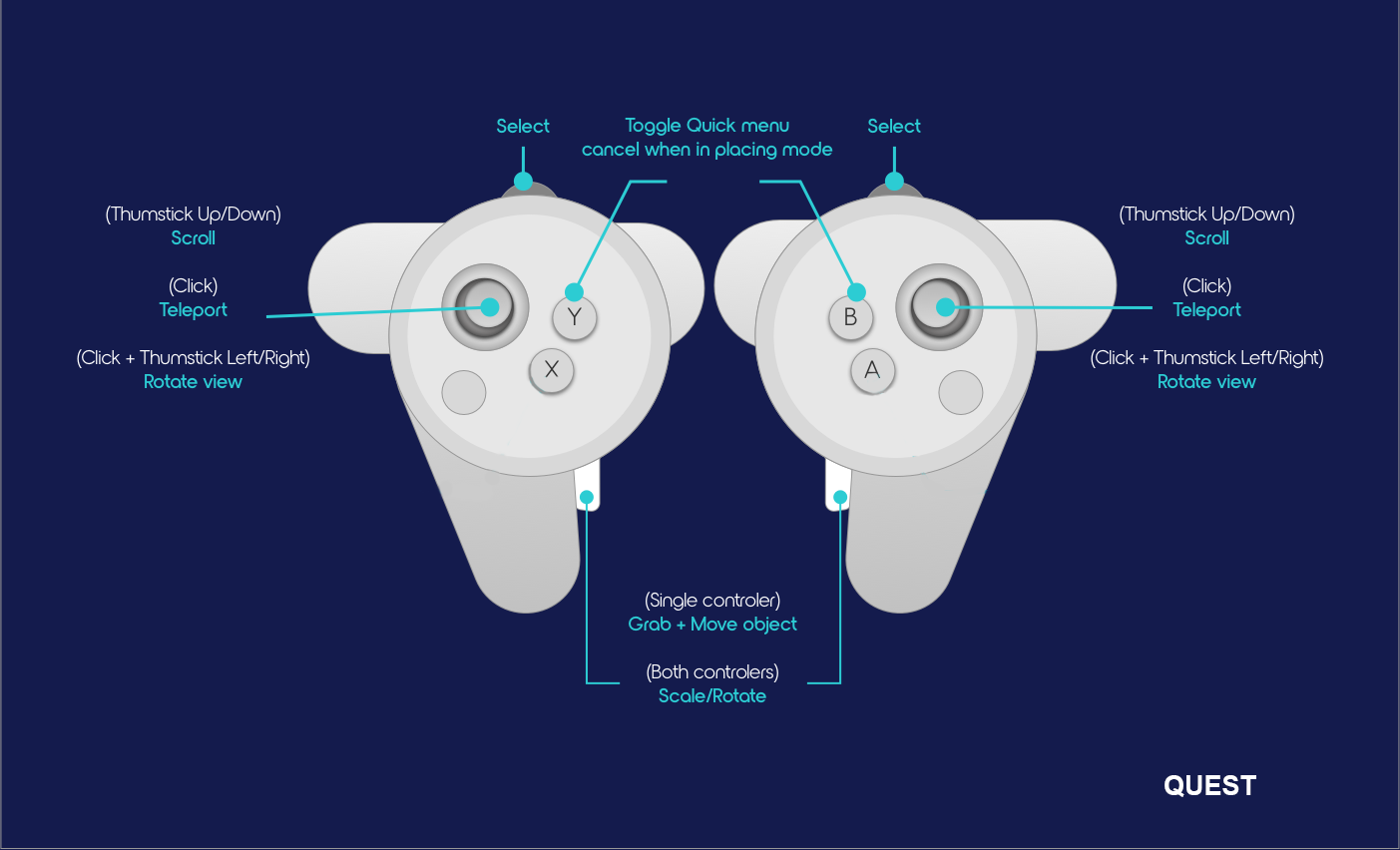
For high-fidelity, standalone creation, the Meta Quest Pro and Quest 3 are incredibly popular. Their inside-out tracking and passthrough capabilities are a game-changer for mixed reality development. You can see your real hands and desk while placing 3D models right on your kitchen table—a surreal and powerful way to create.
On the other end, for creators targeting enterprise or ultra-immersive PCVR experiences, devices like the Apple Vision Pro and Varjo XR-4 offer insane resolution and fidelity. The Vision Pro’s eye and hand tracking, for instance, opens up entirely new UX paradigms. It’s like having a superpower for interface design.
And don’t overlook haptic gloves, like those from bHaptics or SenseGlove. For creators building training simulators or social experiences, adding the sense of touch—feeling the texture of a virtual rock or the resistance of a lever—isn’t a gimmick. It’s the key to true presence.
The Digital Workshop: Core Software for Metaverse Builders
Okay, you’ve got the goggles. Now you need the forge. This is where your ideas take shape. The software ecosystem is vast, but a few powerhouses dominate for good reason.
3D Modeling & Asset Creation
Blender is the undisputed, free champion here. Its complete pipeline—from modeling and sculpting to animation and rendering—is essential. And with constant updates for real-time engine workflows, it’s a spatial computing creator’s best friend.
For organic modeling and characters, ZBrush remains the industry standard. That said, tools like Adobe Substance 3D are arguably just as crucial. Creating realistic, performant materials and textures is what makes a virtual world feel tangible, not plastic.
Engines & Development Platforms
This is where you assemble the pieces. Unity and Unreal Engine are the twin pillars. Unity often gets the nod for its slightly gentler learning curve and robust XR plugin ecosystem. Unreal Engine, with its stunning Nanite and Lumen graphics, is the go-to for projects where visual fidelity is non-negotiable.
But a new breed of intuitive, creator-focused platforms is rising. Nvidia Omniverse is less a game engine and more a collaborative simulation platform. It’s where you connect your tools and work with others in real-time, which is, you know, kind of the whole point of the metaverse.
Then there are platforms like Rec Room or Roblox Studio. They offer built-in audiences and simplified, script-based creation tools. Perfect for narrative storytellers or experience designers who want to focus on gameplay and social interaction, not polygon counts.
The Unsung Heroes: Peripheral Gadgets & Quality-of-Life Tools
This is the stuff that separates a frustrating hobby from a professional workflow. It’s the duct tape and WD-40 of the spatial computing workshop.
First, 3D scanners. Using a device like the iPhone’s LiDAR scanner with apps like Polycam or a dedicated tool like the Revopoint POP 3 lets you capture real-world objects and environments in minutes. Need a specific vintage lamp in your scene? Scan it. It grounds your creation in reality.
Second, powerful spatial audio tools. Sound is half the immersion. Plugins like Google’s Resonance Audio or Steam Audio integrate into Unity/Unreal to simulate how sound behaves in a 3D space. It makes a virtual environment feel physically plausible.
And third, let’s talk about the mundane: cable management, VR covers for those long sessions, and a good, swiveling chair. Seriously. Your physical comfort directly impacts your creative stamina when you’re living inside a project.
Building Your Workflow: A Practical Starter Stack
Feeling overwhelmed? Let’s simplify. Here’s a hypothetical toolkit for different creator profiles:
| Creator Type | Core Hardware | Core Software | Secret Weapon |
| Indie Game Dev | Meta Quest 3, Gaming PC | Unity, Blender, Substance Painter | bHaptics Vest (for immersive playtesting) |
| Architect & Designer | Apple Vision Pro, iPad Pro | Unreal Engine, Shapr3D, Omniverse | iPad Pro + Apple Pencil (for on-the-go 3D sketching) |
| Social Experience Curator | Meta Quest Pro (for passthrough) | Rec Room Studio or Roblox Studio | High-quality USB microphone for clear in-world communication |
The Future Is in Your (Real) Hands
The landscape is moving fast. We’re already seeing whispers of neural interfaces and photorealistic real-time rendering. But the core truth remains: the best tool is the one that gets out of your way and lets your vision flow.
So start with one piece. Maybe it’s just Blender and a Quest. The act of creation in three dimensions—of pulling something from your mind into a space you can literally walk around—is still a kind of magic. The gadgets are just the wands. The spell is yours to write.